Lesson Desk is an end-to-end HRM training management platform that has been used to train over a million employees globally. The suite of training applications are designed to guide employees through a comprehensive journey, from screening and onboarding to formal training and peer reviews.

Role:
Designer
Duration:
4 months
Contribution:
UI/UX, UXR
Platform:
Web app
Lesson Desk was one of the main products I worked on in my role as a Junior UX Designer at Full Facing (Pty) Ltd.
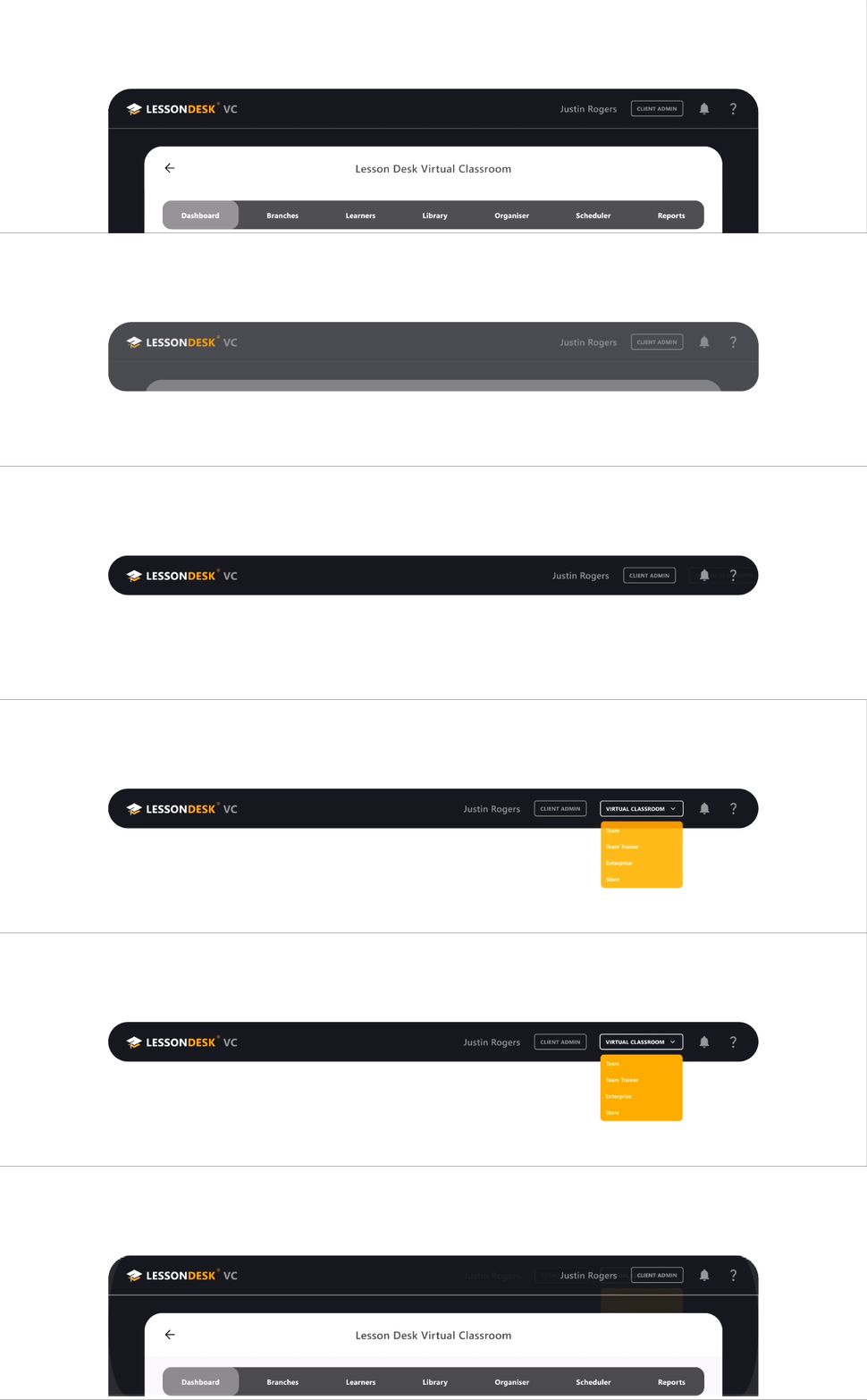
In addition to resolving consistent design tickets, I worked on introducing a new navigation system to the platform. I conducted several user interviews to gauge user satisfaction and advise possible updates.
The main insights that were gathered from this research and a prototype showing the new navigation are shown below.
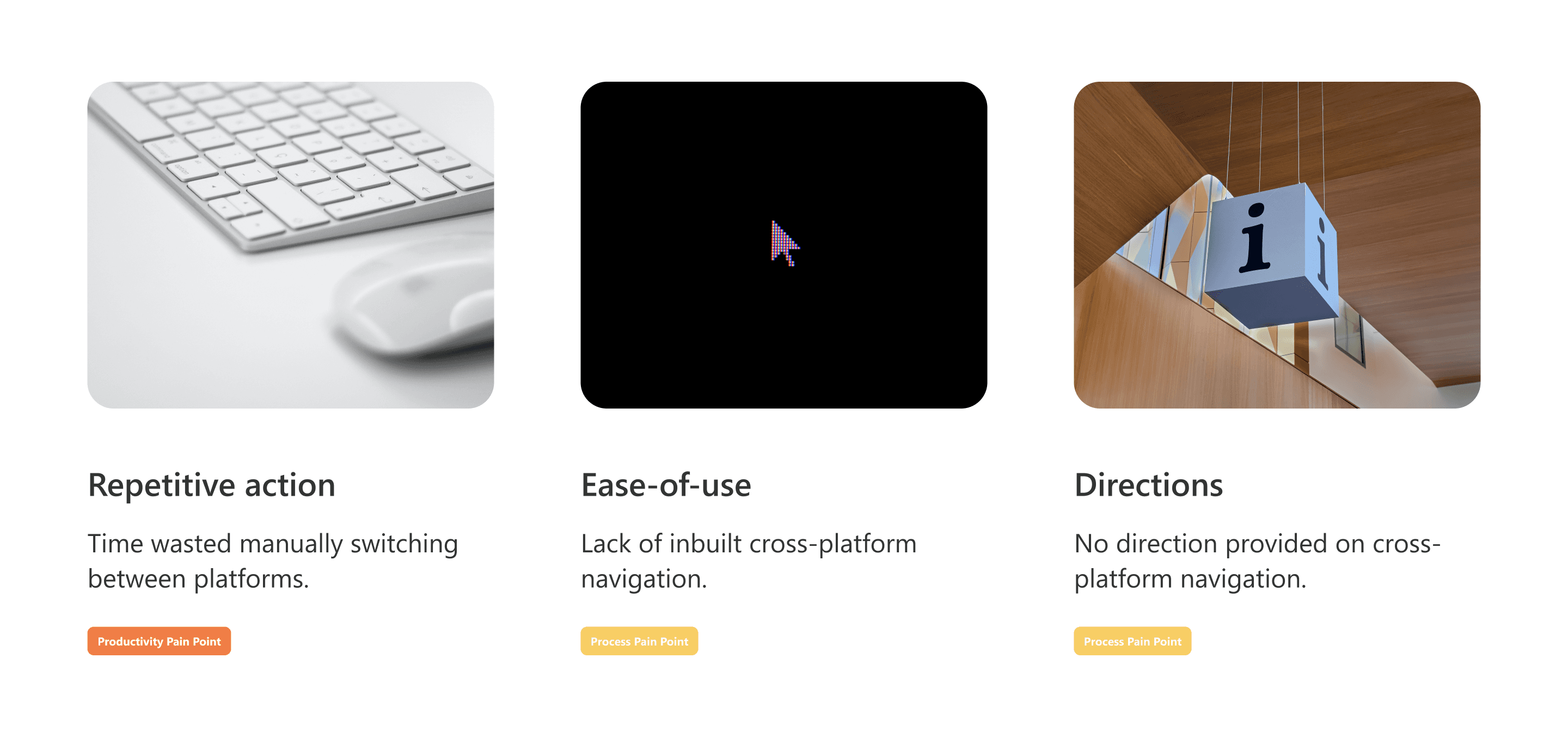
Users expressed difficulty navigating between applications, a frequent action for administrative users.
The suite's applications (Virtual Classroom, Team, Team Trainer, and Head Office) used unique urls that would have to be bookmarked or typed from memory when switching.
To streamline navigation, I designed an intuitive quick access menu integrated into the global navbar that enabled users to seamlessly switch between applications.
This component was subject to access control and introduced persistent login functionality later implemented by our devs.